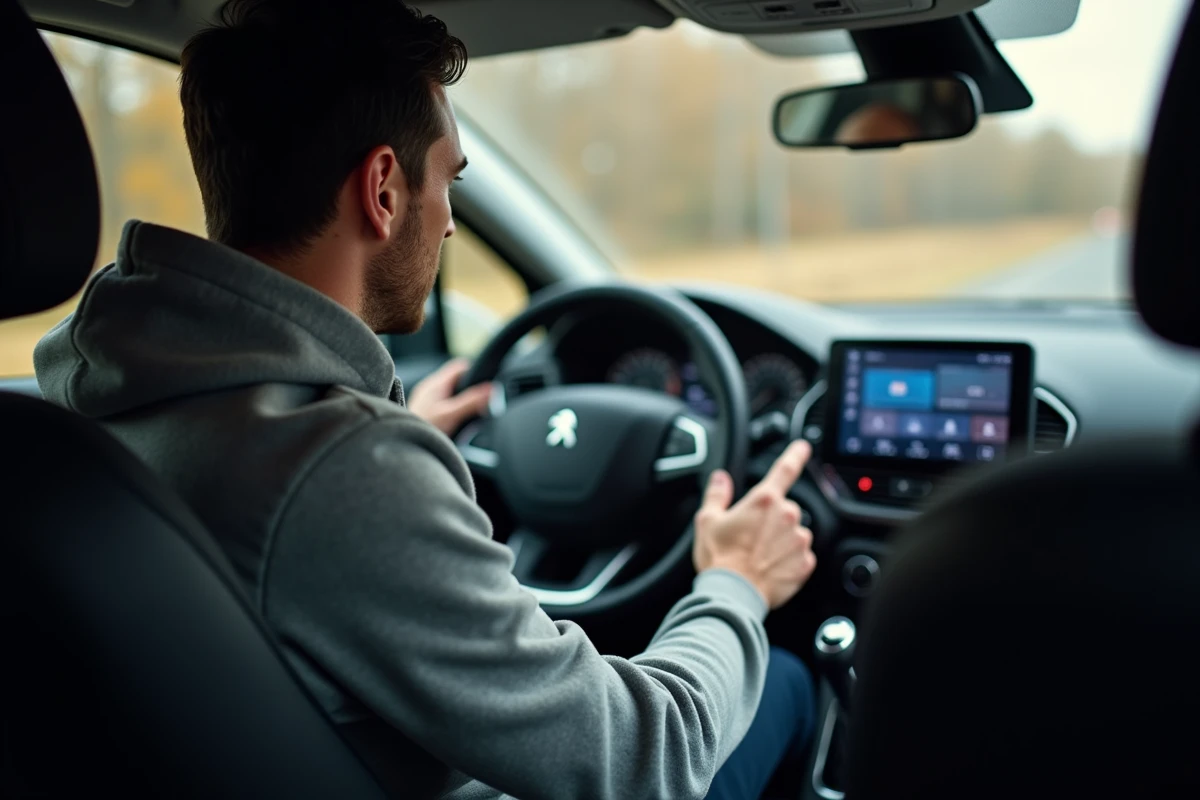
The Peugeot 2008 automatically turns on the FM radio when starting the ignition. This behavior, inherited from the embedded logic of Peugeot’s multimedia systems, annoys some drivers who prefer to drive in silence. The procedure for turning it off varies significantly depending on the vehicle’s generation and the installed infotainment system.
Driver Profile and Mute Memory on Peugeot i-Connect
On the facelifted Peugeot 2008 (phase 2, starting from 2023) equipped with the Peugeot i-Connect or i-Connect Advanced system, sound management has changed its logic. The 10-inch touchscreen includes a volume icon in the top bar that provides access to a dedicated mute mode.
The difference from previous generations lies in the memory of the silent state by driver profile. The system records the sound cutoff as a driving parameter. Upon the next restart, the 2008 does not automatically turn on the radio if the active profile was configured in mute mode.
We recommend checking that your driver profile is selected before muting the sound. Without an active profile, the system reverts to default settings, including FM radio. This feature does not appear in the older PDF manuals for the 2008 I and the pre-facelift 2008 II, which explains why it remains unknown.
To delve into each step on the touchscreen, we have detailed the method to turn off the radio on Peugeot 2008 with screenshots corresponding to the different versions of the system.
Turning Off the Radio on Peugeot 2008 with the Old Multimedia System
The first and second generation Peugeot 2008 models before the facelift come with more rudimentary systems. No persistent mute mode exists in these versions. Two approaches work, depending on the equipment.
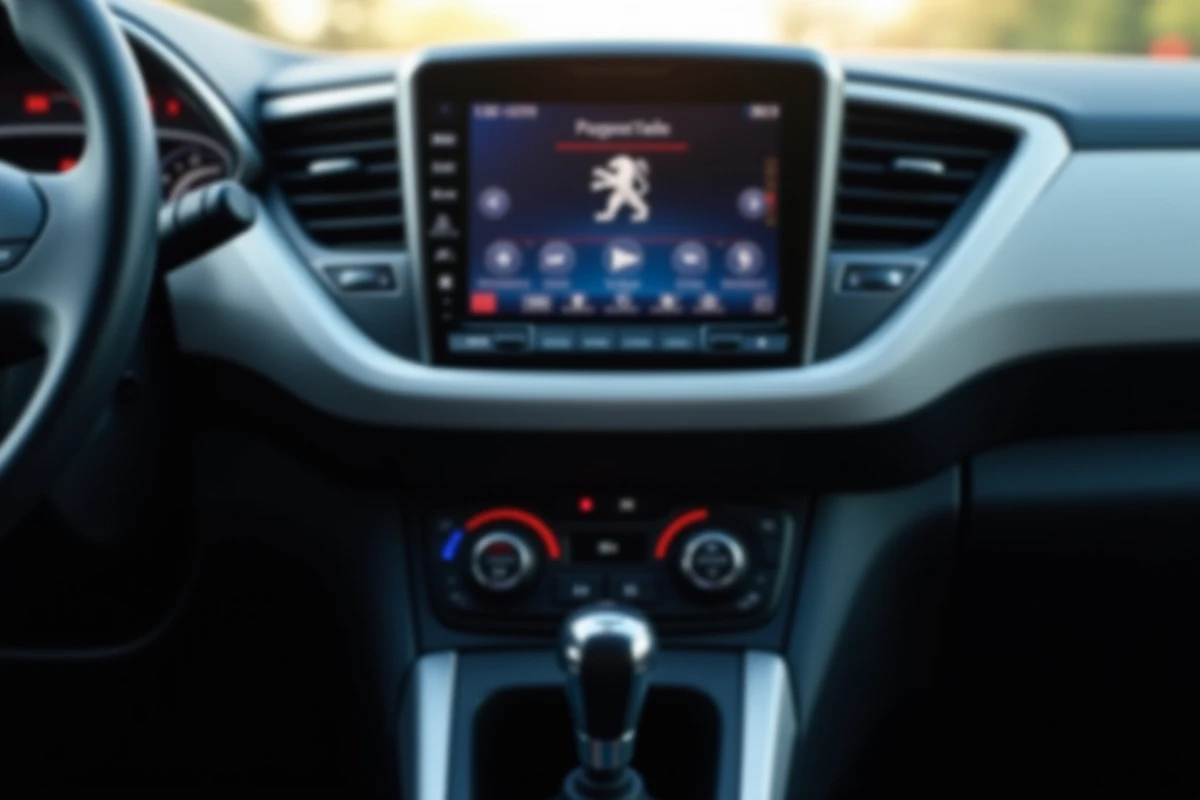
Physical Volume Button
The knob or rotary button located on the front of the car radio allows you to turn the volume down to zero. On some versions, a short press on this same button mutes the sound. The problem: upon the next start, the system reactivates the last audio source at the memorized volume. This cutoff is therefore only temporary.
Selecting an Inactive Source
A more reliable technique involves switching the audio source to an input that does not broadcast anything. On the 2008 models equipped with an auxiliary jack or Bluetooth connection, selecting this source without connecting a playback device results in complete silence. The system remembers the last used source: upon restart, it will attempt to play from this silent input instead of switching to FM.
This method works on most versions, but we observe variable behaviors depending on the firmware updates applied at the dealership.
Bypassing via Android Auto and Apple CarPlay on Peugeot 2008
On the 2008 models equipped with Android Auto or Apple CarPlay (wireless starting from 2023 in Europe, wired on earlier versions), a workaround takes advantage of the connected platforms’ operation.
The principle: select CarPlay or Android Auto as the source without launching any audio application. The multimedia system considers that a source is active and does not switch to FM radio. The result is silence at startup, without any additional manipulation for each trip.
- Connect the smartphone to the system (wired or wireless depending on the version)
- Select CarPlay or Android Auto as the main source in the audio menu
- Do not launch any music or podcast playback application on the phone
- Upon the next startup, the system tries to resume playback from the connected source, which remains silent
This workaround is explicitly recommended by several owners on forums dedicated to the Peugeot 2008. It has one drawback: if the phone is not detected at startup (low battery, forgetfulness), the system may revert to FM by default.

Steering Wheel Controls and Often Ignored Shortcuts
The steering wheel controls of the Peugeot 2008 include a dedicated mute button on most versions. It is usually located on the left branch, near the volume buttons. A brief press instantly mutes the sound without leaving the navigation screen or digital dashboard.
On versions equipped with the i-Cockpit with a configurable screen, the mute shortcut on the steering wheel interacts with the driver profile mentioned earlier. Muting the sound via this button on a facelifted 2008 saves the setting if the profile is active.
Note: on first-generation 2008 models, the mute button on the steering wheel only mutes the volume of the current source. It does not strictly disable the radio. This distinction matters, as some navigation or driving assistance alerts will continue to come through the speakers.
- Short press on the mute button: mutes the sound of the active audio source
- Long press on the source button (depending on version): allows changing the source without going through the touchscreen
- Volume turned down to zero via the steering wheel knob: memorized only on i-Connect Advanced
The choice of the right method depends primarily on the vehicle’s year and the installed multimedia system. On a facelifted 2008 with i-Connect, the driver profile solves the problem definitively. On older versions, selecting a silent source remains the most stable solution, provided you do not forget the Bluetooth connection or cable at startup.