
HappyMod is a platform for downloading modified applications and games, very popular on Android. On iPhone, the situation is radically different: the restrictions imposed by Apple on iOS make the installation of alternative stores complex, if not impossible in most cases. This article analyzes the technical reasons for this blockage, the methods circulating online, and their real limitations.
Enterprise Certificates and MDM Profiles on iOS: Why Tutorials Fail
The majority of guides proposing to install HappyMod on iPhone rely on the use of Apple enterprise certificates or MDM (Mobile Device Management) profiles. These certificates normally allow companies to distribute internal applications to their employees without going through the App Store.
The problem: Apple has significantly strengthened the detection and automatic revocation of non-compliant certificates since 2023-2024. Certificates misused to distribute unauthorized stores are now revoked within a few days. A functional tutorial on Monday can therefore be obsolete by the following weekend.
For those looking to download HappyMod for iPhone and iOS, this instability of certificates constitutes the first concrete obstacle. Each revocation requires reinstalling a new profile, with the security risks that this entails.
HappyMod iOS vs. Apple Restrictions: Android vs. iPhone Comparison

The difference in accessibility between the two systems deserves to be clearly stated. The table below summarizes the technical gaps that explain why HappyMod works on Android but struggles on iOS.
| Criterion | Android | iOS (iPhone) |
|---|---|---|
| Installation of third-party APK/IPA files | Possible natively via settings | Blocked without certificate or jailbreak |
| Alternative app stores | Allowed (APKPure, F-Droid, HappyMod) | Limited to the EU since the DMA, under strict conditions |
| Certificate revocation | Not applicable | Frequent, sometimes within a few days |
| Jailbreak required | No | Often necessary for stable access |
| Risk of device lockout | Low | Possible in case of a malicious MDM profile |
On Android, installing an APK file is done by enabling a simple option in the device settings. On iPhone, no equivalent method exists without circumventing Apple’s protections.
The Case of the Digital Markets Act in Europe
Since the DMA came into effect in 2024, Apple has opened the possibility of installing third-party app stores, but only within the European Union. The conditions imposed on the publishers of these stores are strict: signature obligations, security requirements, financial royalties.
To date, no mod store like HappyMod has been listed as an authorized third-party iOS store under the DMA. This regulatory opening changes nothing for users looking for HappyMod on iPhone.
HappyMod Installation Methods on iPhone: What Circulates and What Works
Several approaches are regularly mentioned in forums and videos. Their reliability varies significantly.
- Installation via a configuration profile (enterprise certificate): the most common method, but certificates are quickly revoked by Apple, rendering the application unusable after a few days
- Use of web services (like “appvalley” or equivalents): these intermediary platforms redistribute applications signed with third-party certificates, with the same revocation problem and risks of unverified MDM profiles
- Jailbreaking the device: allows installing applications without restriction, but voids the Apple warranty and exposes the iPhone to unpatched security vulnerabilities
- Sideloading via AltStore or Sideloadly: these tools allow installing IPA files through a computer, but require renewal every seven days with a free Apple account
Among these options, sideloading via AltStore offers the best relative stability. However, it requires regular handling and does not guarantee that HappyMod’s IPA files are reliable.
Security Risks Associated with Unverified Profiles on iPhone
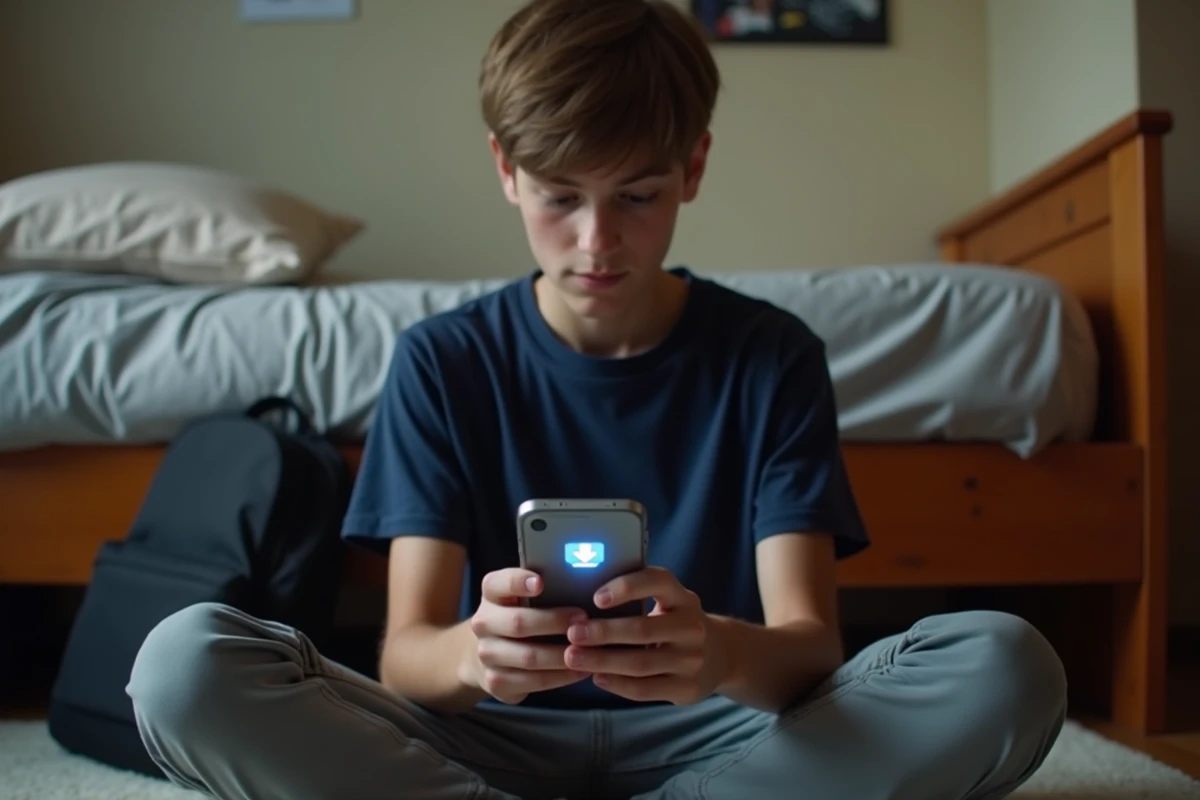
Installing an unverified MDM profile or enterprise certificate potentially gives the issuer of the profile extensive access to the device. A malicious MDM profile can collect personal data, install other applications remotely, or modify the network settings of the iPhone.
Apple has updated App Store rules to explicitly prohibit applications that function as “disguised app stores.” Applications attempting to offer a parallel download catalog are systematically removed if they appear on the official App Store.
Checks Before Any Installation Attempt
Some checkpoints help limit risks:
- Verify the source of the IPA file or configuration profile by consulting recent specialized forums (user feedback from several weeks ago is often outdated)
- Never accept an MDM profile that requests extensive permissions (device management, access to browsing data, silent app installation)
- Prefer sideloading via a computer rather than direct installation from a mobile website, as the trust chain is more verifiable
The Reddit community on r/Piracy and r/PiratedGames regularly confirms that most HappyMod methods on iOS stop working quickly. Users reporting stable operation are in the minority and often describe specific configurations (older iOS versions, jailbroken devices).
The technical observation remains the same for several years: Android remains the only platform where HappyMod works reliably. On iPhone, each installation method either has a limited lifespan or compromises the security of the device. iOS users who wish to test modified applications must take this constraint into account before any manipulation.