
Medisys Portal and Medisysnet refer to two distinct interfaces within the same software ecosystem, that of the publisher Medisys. Confusion between the two is common, as the names are similar and the audiences partially overlap. Comparing these two solutions first requires clarifying what each covers: functional scope, targeted user profiles, and the level of granularity in access rights management.
Medisys Portal and Medisysnet: Compared Functional Scopes
The Medisys client space (often referred to as “Medisys Portal”) is aimed at the publisher’s client structures, primarily in the medico-legal and hospital sectors. It centralizes remote maintenance, license tracking, and access to software updates. Its use remains focused on technical administration.
Medisysnet, on the other hand, is a HR and family portal designed for home care structures. Version V2 distinguishes three profiles with strictly separated scopes: employee, family, and manager. Each profile accesses only the data relevant to them, whether it be scheduling, payroll, or tracking interventions.
| Criterion | Medisys Portal (Client Space) | Medisysnet V2 (HR and Family Portal) |
|---|---|---|
| Main Audience | Client structures, administrators | Employees, families, managers |
| Sector | Medico-legal, hospital | Home care, personal services |
| Mobile Access | Not specified | Mobile browser, mobile remote management |
| Rights Management | Unified access by structure | Three separate profiles with distinct scopes |
| Real-time Tracking | No | Consultation of visits and schedules in near real-time |
| HR Functions | No | Scheduling, payroll, administrative documents |
This table highlights a difference in nature, not just in scope. The Medisys portal is a technical management tool, while Medisysnet is an operational space focused on transparency and daily tracking. To better understand the differences between these two interfaces, you can discover Nouvelle Jeunesse online in a complementary analysis.
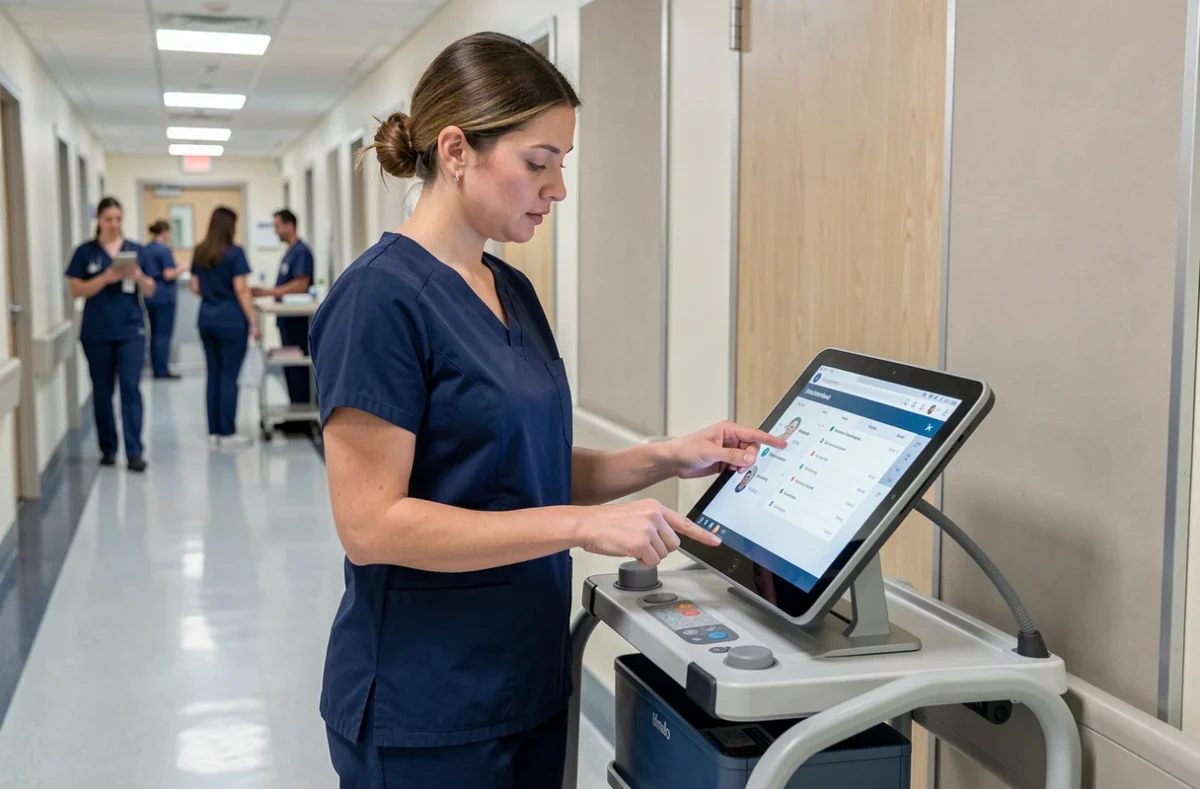
Granularity of Access Rights on Medisysnet V2
The separation into three profiles on Medisysnet V2 is not cosmetic. It conditions the governance of personal data within home care structures, a sector where sensitive information about beneficiaries and caregivers circulates.
Employee Profile: Scheduling and Payroll
The employee consults their schedules, pay slips, and upcoming missions. They do not have access to beneficiary information beyond what is necessary for the execution of their interventions.
Family Profile: Tracking Interventions
Families access the tracking of visits (schedules, identity of the caregiver) in near real-time. This level of transparency transforms Medisysnet into a tool for operational control for family caregivers, who can verify that the planned interventions are indeed taking place.
Manager Profile: Oversight and Billing
The structure manager has a cross-sectional view. They manage billing, validate schedules, and supervise all interventions. This profile concentrates the most extensive writing rights.
This architecture makes Medisysnet relevant for structures that must report to families while protecting the HR data of their employees. Conversely, if the need is limited to the technical management of a Medisys software park, the classic client space suffices.
Ergonomics and Navigation: What V2 of Medisysnet Changed
The transition to V2 of the Medisysnet portal has modified the display of intervention records. The old version presented a raw chronological list. V2 organizes data by category rather than by date, making it easier for families looking for a specific type of intervention (personal care, meals, accompaniment).
Access from a mobile browser is operational, and mobile remote management displays a distinct service status (mobile remote management, fixed remote management, HR and family portal). This segmentation allows for quick verification of whether a malfunction affects the entire system or just a single component.
The classic Medisys portal, on the other hand, maintains a simple interface focused on secure login and access to remote maintenance. No comparable ergonomic redesign has been documented in the available sources.

Criteria for Choosing Between Medisys Portal and Medisysnet
The choice between these two interfaces is not a matter of preference, but of a structural need related to the profession of the user structure. Here are the discriminating criteria:
- If the structure manages home interventions and must report to families, Medisysnet V2 is the suitable interface, thanks to its separate profiles and near real-time tracking.
- If the need pertains to software maintenance, license tracking, or access to technical updates of the Medisys suite, the Medisys client space (classic portal) fulfills this function.
- If the structure requires a strict separation of rights between employees, families, and supervisors, only V2 of Medisysnet offers this granularity natively.
- If mobile access is a prerequisite for field workers, Medisysnet V2 with its mobile remote management meets the need, whereas the classic portal does not specify mobile compatibility.
The two portals are not in competition. They cover complementary functions within the Medisys ecosystem. A home care structure that is a client of Medisys will likely use both: the client space for the publisher relationship, and Medisysnet for the daily management of interventions and human resources.
The relevant question is therefore not “which one to choose,” but rather which one to prioritize based on the profiles of the end users. For a technical management, the client portal. For field teams and families, Medisysnet V2.